

AI training for industry
Industrial teams,confident with AI.
Hands-on AI training for energy, process and distribution companies, built around your procedures, your equipment and your paperwork.
- No AI experience needed
- In person or by video call
- Built around your own work
Industries we train
Built for your industry.
Every session uses examples from your world, from the control room and the shop to the order desk.

Oil and gas production
Field tickets, daily production reports and well notes.
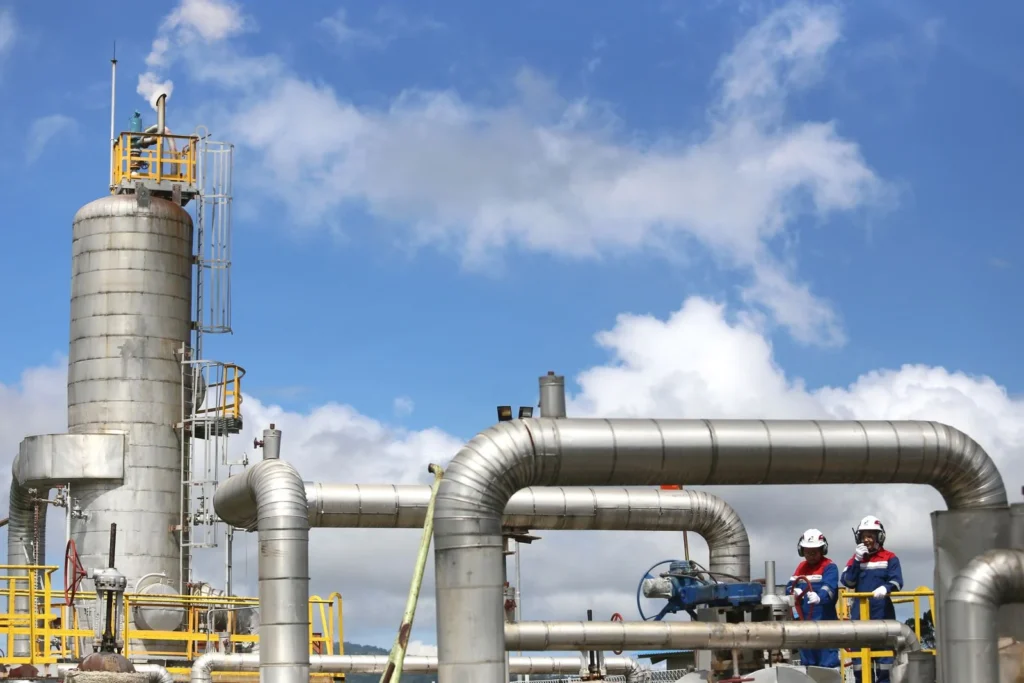
Midstream and gas processing
Shift handovers, inspection notes and operating procedures.

Refining
Turnaround notes, procedures and MOC paperwork.

Chemical and petrochemical
Procedures, batch notes and compliance paperwork.

Biofuels and renewable fuels
Production reports, feedstock records and compliance paperwork.

Industrial gases
Delivery records, customer questions and safety paperwork.
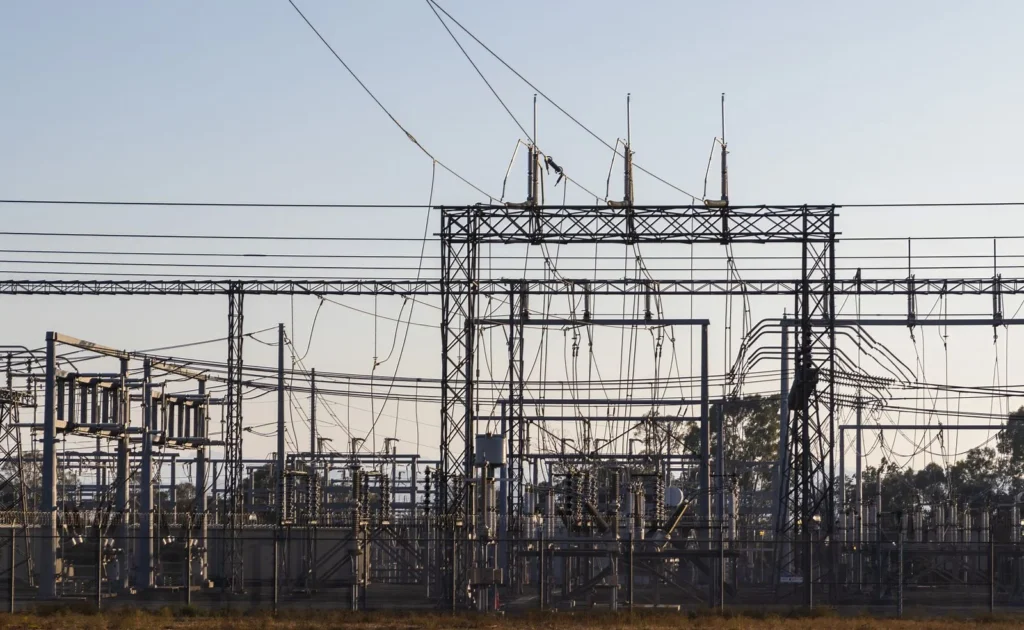
Energy and power
Outage notes, maintenance reports and field updates.

Mining and minerals
Shift reports, maintenance logs and safety meetings.
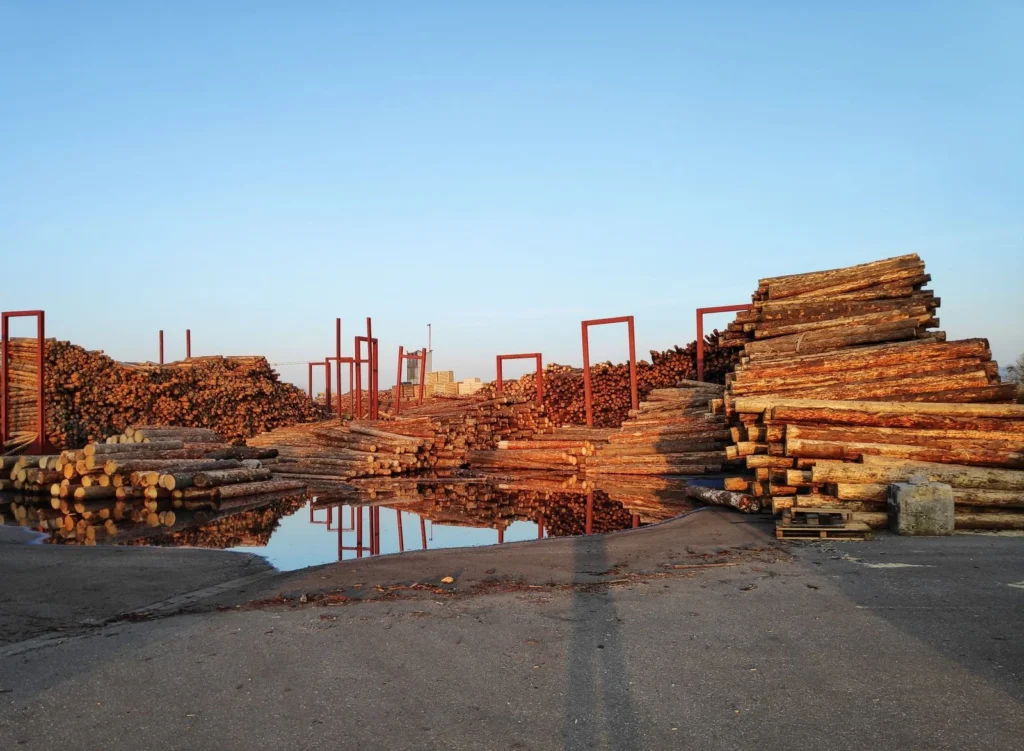
Pulp and paper
Downtime reports, maintenance notes and procedures.
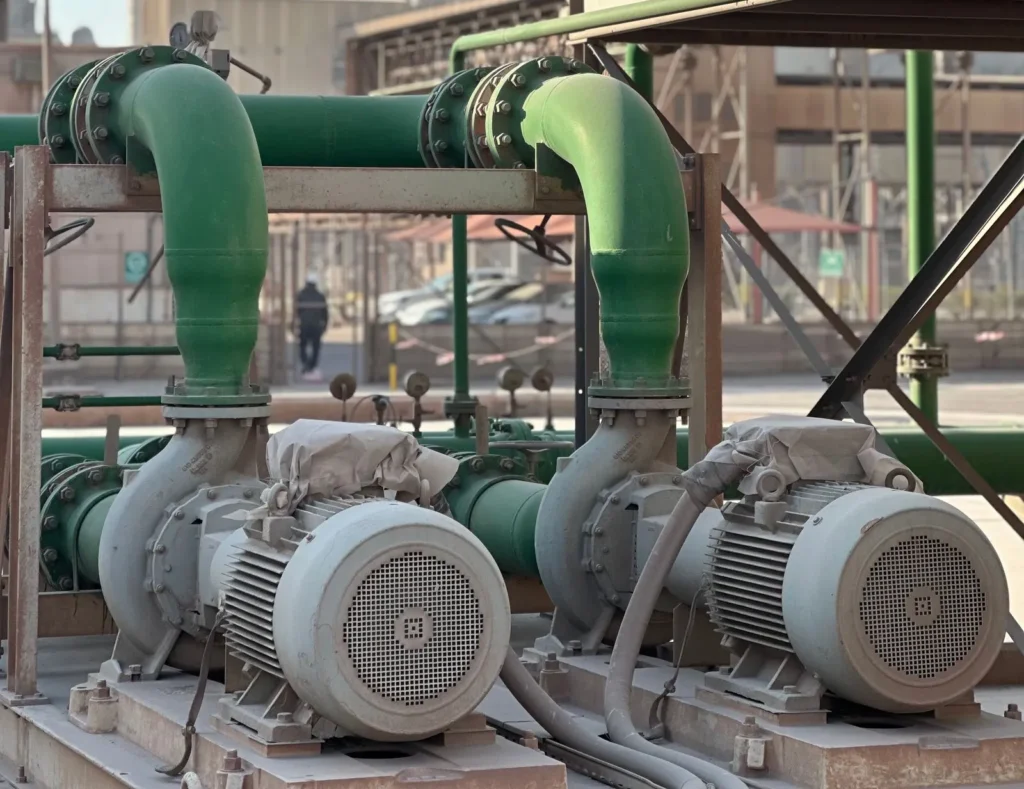
Valve, pump and industrial distribution
RFQs, quotes, part cross-references and order entry.
Work in a different industry? Ask us. The same skills apply anywhere there are procedures, equipment and paperwork.
What your team learns
Less paperwork. More time on the work that matters.
Your team practices on the tasks that fill their week, from procedures and work orders to quotes and reports.


AI helpers and automations
Let AI handle the paperwork. People make the calls.
Learn what AI agents and automations can take off your team’s plate, and where a qualified person always checks the result.
- Turn field notes into work orders
- Sort incoming RFQs and draft quotes
- Pull together daily and weekly reports
Want one built for your operation? See AI Solutions
- Field note comes inA tech sends a quick voice note
- AI writes it upDrafts the work order and parts list
- Supervisor checks itApprove it or make changesApprove
- LoggedWork order created and saved
- RFQ arrivesA customer emails a request for quote
- AI builds a draftReads the RFQ and fills the quote lines
- You check itConfirm specs, prices and lead timesApprove
- Quote sentSent and saved to the account
The AI you already have
Get more from the tools you already pay for.
Many Microsoft 365 and Google Workspace plans now include an AI assistant, like Copilot or Gemini. We show your team how to use it on inspection reports, procedures, spreadsheets and email.
- Documents
- Spreadsheets
- Meetings
What’s included depends on your plan, so we start by checking what you already have.
Safe use
Keep process data and drawings safe.
Your team learns what can and can’t go into AI tools, why company-approved tools matter, and simple rules everyone can follow.
- What stays outProcess data, drawings, customer pricing and personal information.
- Approved tools onlyBusiness accounts and settings your company signs off on.
- A simple AI policyClear rules your crews and office can follow.
AI never makes the call on safety-critical work. A qualified person always checks.
Checking AI’s work
Check it before it goes to the field.
AI can sound sure and still be wrong. Your team practices catching mistakes on real tasks.
- 1Bring a real task
- 2Ask AI the right way
- 3Check before you use it
How training works
Four simple steps.
Quick call
We learn about your operation and your team.
Built around your work
We use the procedures and forms you choose to share.
Hands-on sessions
In person or by video call.
Guides and support
Simple guides to keep, and help after.


Who it’s for
From the field to the front office.
Operators and field crews
Shift reports, handovers and checklists.
Maintenance and reliability
Work orders, parts lists and failure notes.
Engineers
Specs, datasheets, procedures and reports.
Inside sales and quoting
RFQs, quotes and customer emails.
Safety and compliance
Toolbox talks, incident drafts and audit prep.
Supervisors and managers
Reports, planning and team rules for AI.
Getting started
Start with one team and one task.
Pick the job that eats the most time. We build the first session around it.
- Quick call
- First session on a real task
- A guide your team keeps
- A plan for what’s next
Questions about industrial AI training
Does our team need AI experience?
No. We start with the basics and explain everything in plain language, for field crews and office staff alike.
Can you train our team on Copilot or Gemini?
Yes. If your company’s Microsoft 365 or Google Workspace plan includes an AI assistant, we show your team how to use it in the apps they already know.
Can AI answer questions from our manuals and procedures?
AI tools can answer questions from documents you give them, if your company’s tools and settings allow it. We show your team how to do this with approved tools, and how to check every answer against the source.
Is it safe to use AI with process data, drawings or customer pricing?
Only in tools and settings your company has approved. Every session covers what stays out of AI tools and how to set simple rules.
Will AI make safety decisions?
No. AI can help find information and draft paperwork, but qualified people make and approve every safety-critical decision.
Do you train field crews or just office staff?
Both. We build sessions around the work each group does, from the field and the shop to the order desk.
Can we start with one team?
Yes. Starting with one team and one task is a good way to begin, and you can add more teams after.