For homes

Every room.Connected.

Wi-Fi that reaches the bedrooms and the backyard, smart devices that stay connected, and cameras, doorbells and smart locks set up properly. Team Tech Ninjas installs it, tests it and shows you how it all works.

For your home

New modem? New provider? New doorbell that won't connect?

Retire from being your home's IT department

No more rebooting the modem, re-pairing the doorbell or walking to the router for a signal. Team Tech Ninjas sets up your Wi-Fi and smart devices so they work in every room, and gets everything back online when you switch providers.

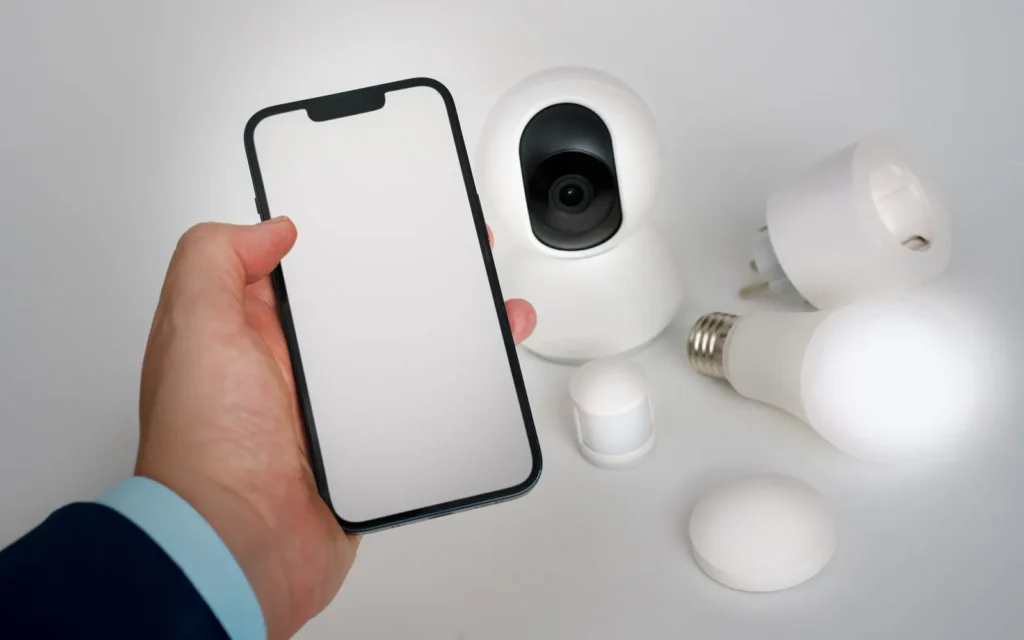
Phone held next to a smart camera, smart plug and smart bulb

New doorbell, thermostat or smart plug won't connect to your Wi-Fi?

Add a smart device in minutes, not a lost Saturday.

Your Wi-Fi isn't broken. Many cameras, doorbells, thermostats and locks only work on the 2.4 GHz part of Wi-Fi, and many new modems hide it. We give your smart devices a network they can join.

Ask about Smart Device Wi-Fi Setup

Smart Device Wi-Fi SetupWhat we do

  • A separate Wi-Fi network built for smart devices
  • Every device connected to it and tested
  • Your provider's modem set up so it stops getting in the way
  • Works with any internet provider
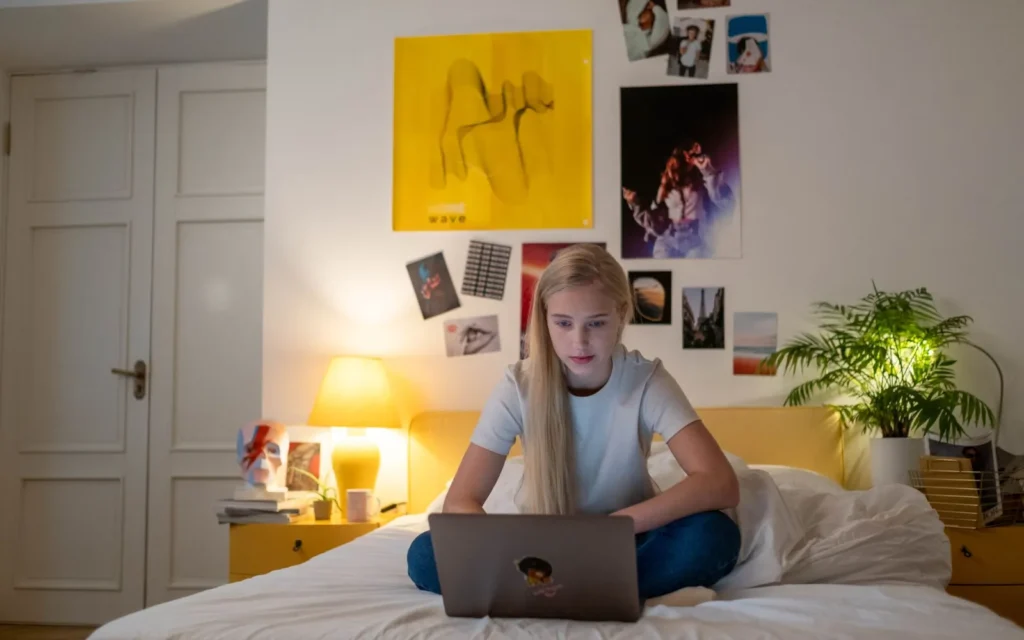
Teen working on a laptop on her bed upstairs

Great Wi-Fi beside the modem in the basement, but dead spots upstairs?

Stop renting Wi-Fi that doesn't reach the bedrooms.

Internet providers rent Wi-Fi extenders by the month, every month. We move or wire the modem, add mesh units linked by cable where we can, and test every room, garage and backyard included. The equipment is yours.

Ask about Whole-Home Wi-Fi You Own

Whole-Home Wi-Fi You OwnWhat we do

  • Move or wire the modem
  • Add mesh units, linked by cable where we can
  • Test every room, garage and backyard included
  • The equipment is yours
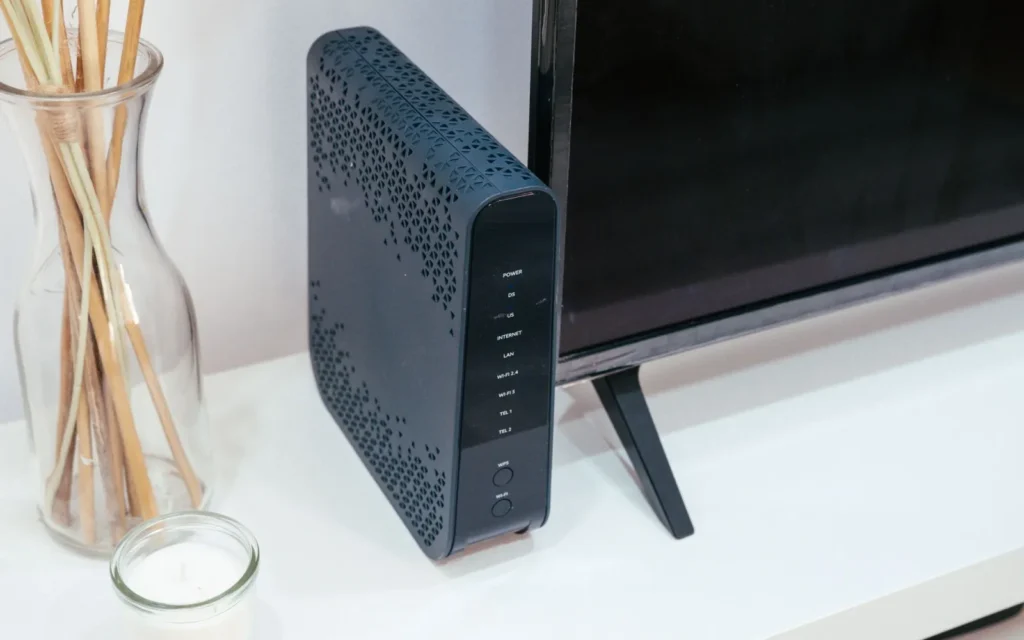
Internet modem standing next to a TV

Switched internet providers and your smart devices all went offline?

Change your provider, not your smart home.

Many smart devices can't be moved to a new Wi-Fi network from their app. We set up the new modem so they reconnect on their own, re-pair any that don't, and get your cameras back on your phone.

Ask about a Wi-Fi Move-Over

Wi-Fi Move-OverWhat we do

  • Set up the new modem so devices reconnect on their own
  • Re-pair any devices that don't
  • Get your cameras back on your phone
Man frustrated while working on his laptop at home

Internet keeps cutting out and nobody can tell you why?

Stop rebooting the modem and hoping. Get a clear picture of what's going on.

We test your provider's line against your Wi-Fi, map the weak spots room by room, and tell you whether it's your Wi-Fi or your provider, with a written fix list either way.

Ask about a Wi-Fi Check-up

Wi-Fi Check-upWhat we do

  • Test your provider's line against your Wi-Fi
  • Map the weak spots room by room
  • Tell you whether it's your Wi-Fi or your provider
  • A written fix list either way
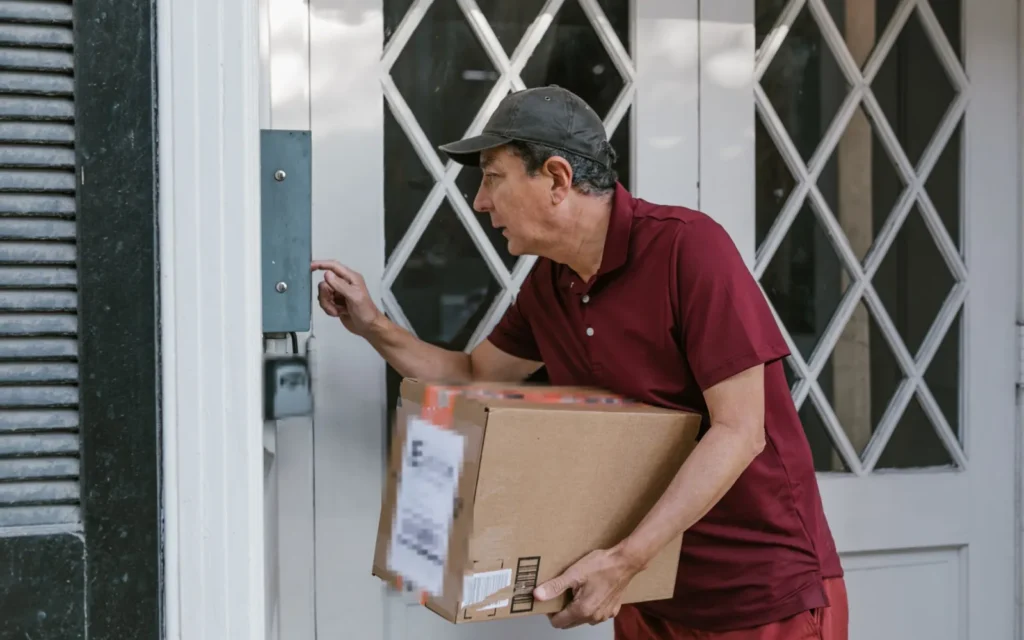
Delivery driver ringing the doorbell at a front door

Doorbell battery dead in days? Camera keeps dropping offline?

No more ladder trips to charge the doorbell.

Weak Wi-Fi drains batteries fast, and cold makes it worse. We measure the signal where every device will mount, fix weak spots before we drill a single hole, and install hardwired doorbells and wired PoE cameras that never need charging.

Ask about a Doorbell & Camera Signal Check

Doorbell & Camera Signal CheckWhat we do

  • Measure the signal where every device will mount
  • Fix weak spots before we drill a single hole
  • Hardwired doorbells and wired PoE cameras that never need charging
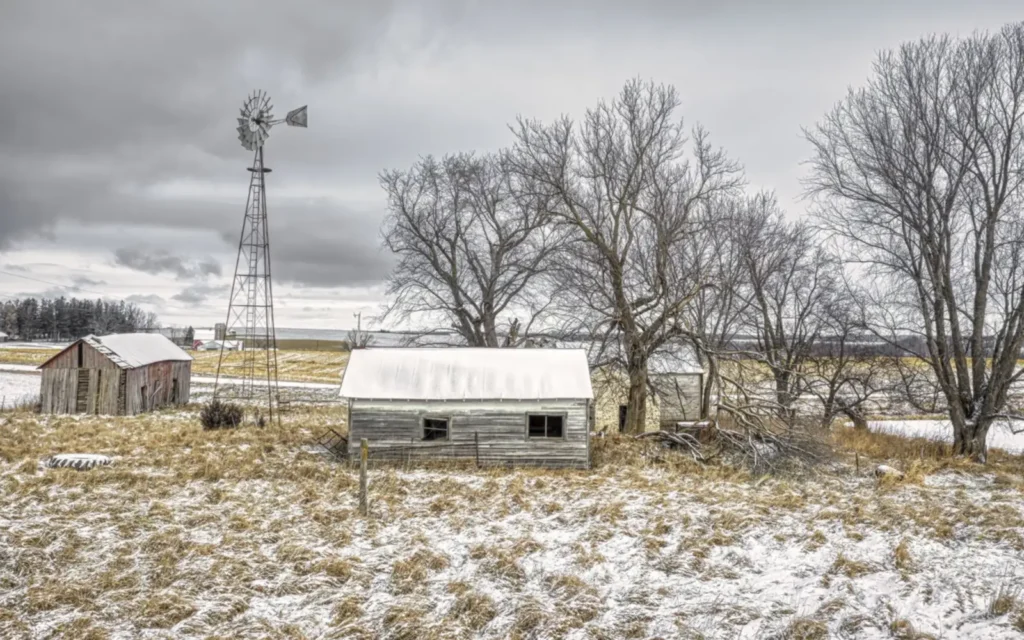
Farm buildings on an acreage in winter

Moved to Starlink and can't see your cameras on your phone? No Wi-Fi in the shop?

Check the shop from the couch, and the house from town.

We run cable or a wireless link to the shop or garage, set Starlink up with a proper router, and set up camera viewing that works on rural internet.

Ask about Acreage, Shop & Remote Camera Access

Acreage, Shop & Remote Camera AccessWhat we do

  • Run cable or a wireless link to the shop or garage
  • Set Starlink up with a proper router
  • Camera viewing that works on rural internet
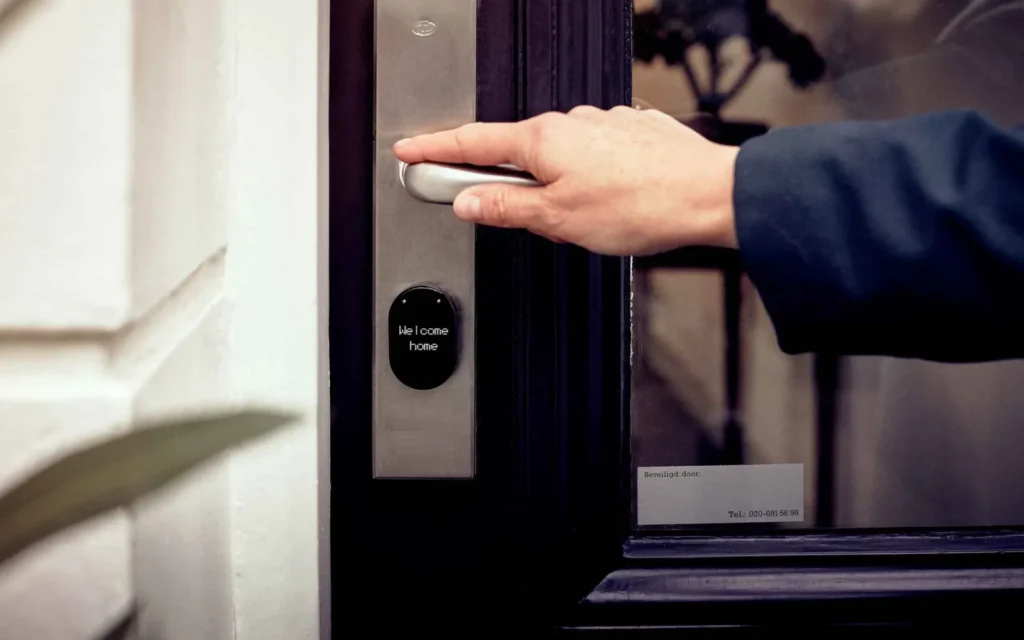
Hand opening a front door with a smart lock

Smart lock keeps going offline and eating batteries?

Set it once. Stop thinking about it.

We place lock bridges where they belong, put thermostats on a network that suits them, and use hub-based lighting that stays off your Wi-Fi.

Ask about Smart Lock, Thermostat & Lighting Setup

Smart Lock, Thermostat & Lighting SetupWhat we do

  • Place lock bridges where they belong
  • Put thermostats on a network that suits them
  • Use hub-based lighting that stays off your Wi-Fi
  • You own itNo monthly equipment rental
  • On site or remoteInstall visits plus remote support
  • Tested before we finishWe show you how everything works

Not sure which one you need? Start with a Wi-Fi Check-up and we'll tell you what's going on.

Book a Wi-Fi visit

From first conversation to up and running

  1. Two people talking through plans at a kitchen table

    Consultation

    Tell us what’s going on at home. We visit in person or meet by video call.

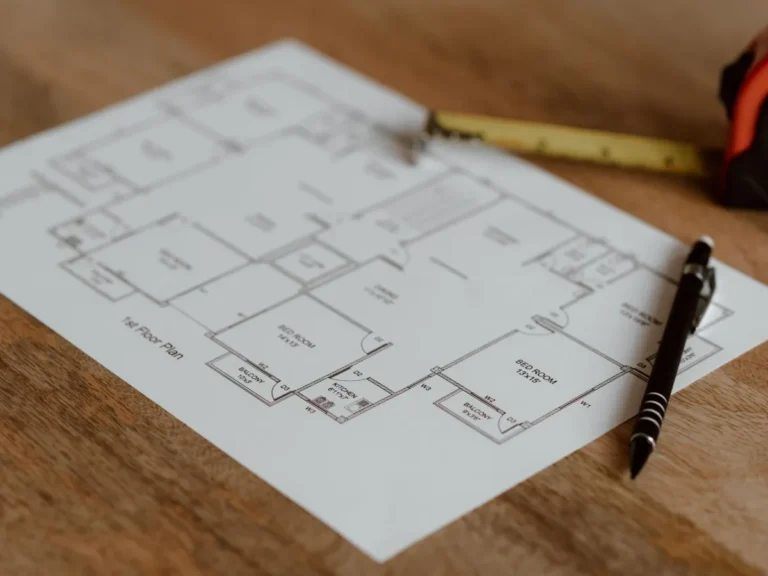
  2. Floor plan on a table with a pen and tape measure

    A clear plan

    We come back with a solution and a clear plan of what's included before any work starts.

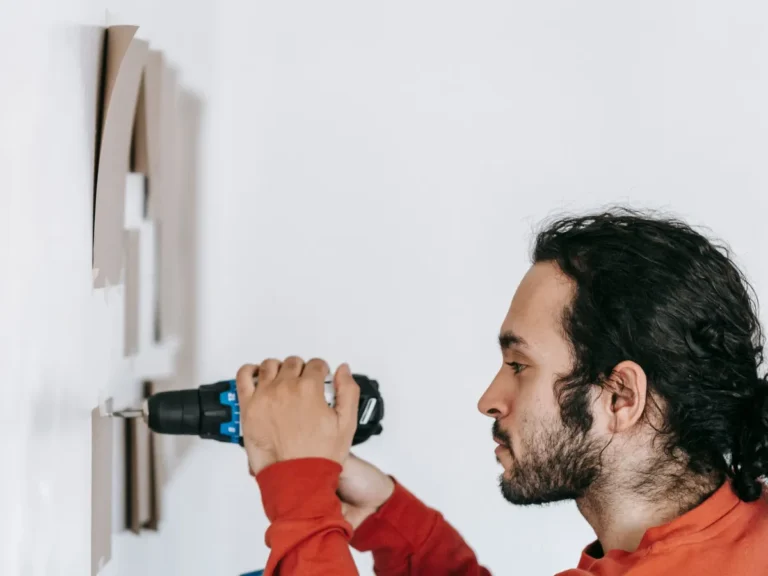
  3. Installer drilling into a wall to mount equipment

    Build and set up

    We install everything, set it up and test it before we finish.

  4. Showing an older man how to use an app on his phone

    Training and support

    We walk you through how everything works, and support you after.

Tell us what’s going on at home. We’ll find a solution and get back to you.

Book Your Consultation

So we can call you back.

© 2026. All rights reserved.